Design12 min read
Wedding Invitation With Photo: Which, Where and How Many
Where a photo belongs on a wedding invitation, which photos work, how many to send, a shot list for your engagement shoot, captions to copy and how our designs frame them.
By The Veiloria AtelierPublished Updated
Contents
- Should a photo go on your wedding invitation?
- Photo or no photo for a formal wedding?
- Which photos work on a wedding invitation?
- How many photos should a wedding invitation have?
- What makes a photo work on an invitation
- The engagement-shoot brief for your photographer
- How Veiloria's designs show your photos
- Photos on the Save the Date
- Captions and wording around your photos
- Who sees your photos?
- Sources
- Frequently asked questions
Yes, a wedding invitation can carry a photo; the real question is where. On paper, tradition gives the engagement photo to the Save the Date and keeps the formal invitation text-only. On a digital invitation the photos live inside: one portrait just after the cover and a small gallery further down, so the first screen stays as formal as an engraved card.
Below: the etiquette, which photos work and how many, a checklist, a brief for your photographer, how our designs frame photos, captions and privacy.
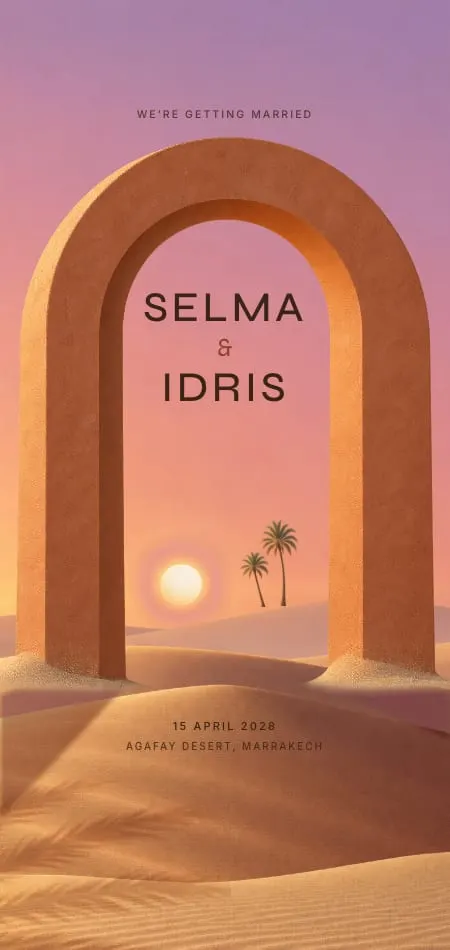
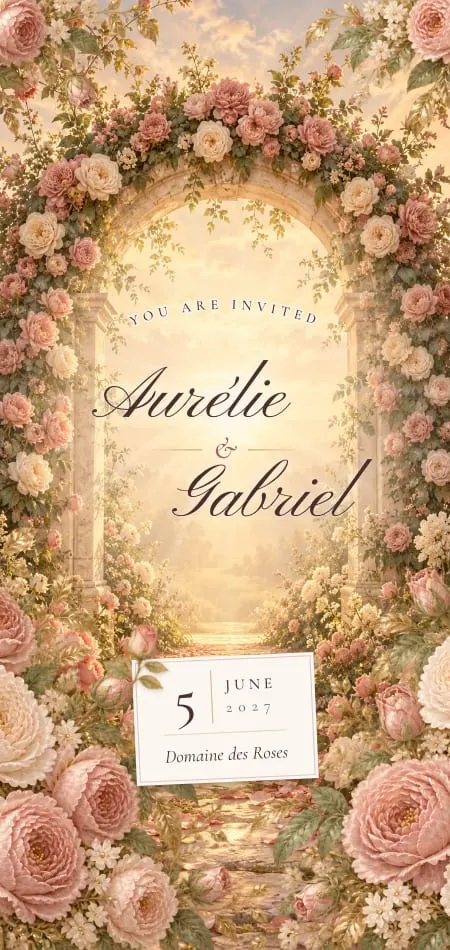
In the Roseraie demo above, guests lift an old-rose wax seal and walk into a rose garden at golden hour. Just past the cover, our demo couple's first photograph is mounted like a pressed specimen in a garden book; the rest wait on an album page.
Should a photo go on your wedding invitation?
A photo can go on a wedding invitation, but on paper it traditionally belongs to the Save the Date, while the formal invitation stays text-only. The two cards do different jobs. The Save the Date is an early, cheerful notice, and an engagement photo suits it: Zola's guide to Save the Date cards calls it the moment to put your engagement shots "to work". The formal invitation is the hosts' request, set like a small document: who invites, your names, the date, the place, the reply. A photo printed across it pulls it toward a party flyer.
There was a plain economic reason too: a photo card means printing your picture in full colour on every invitation. Couples paid for that once, on the Save the Date.
A digital invitation changes the economics, and the etiquette follows. Adding a photo costs nothing, and the invitation is no longer one card but a page with a cover and sections. The cover keeps the formality (an opening, your names, the date), and the photos sit inside, where guests find them after the facts.
| Paper Save the Date | Paper formal invitation | Digital invitation | |
|---|---|---|---|
| A photo on it? | Usually, an engagement photo | Traditionally no | Yes, inside |
| Where | The front of the card | On a photo card, if the wedding is casual | A portrait after the cover, a gallery further down |
| How many | One, sometimes three | None or one | One portrait plus a small gallery |
| Cost of adding photos | Colour printing on every card | Colour printing on every card | Nothing extra |
| Tone | Relaxed, personal | Formal, in the hosts' words | A formal cover, personal inside |
Photos are not among the essentials of what to include in a wedding invitation: they are a gift on top of the facts. At Veiloria, they are part of every plan, never an extra.
Photo or no photo for a formal wedding?
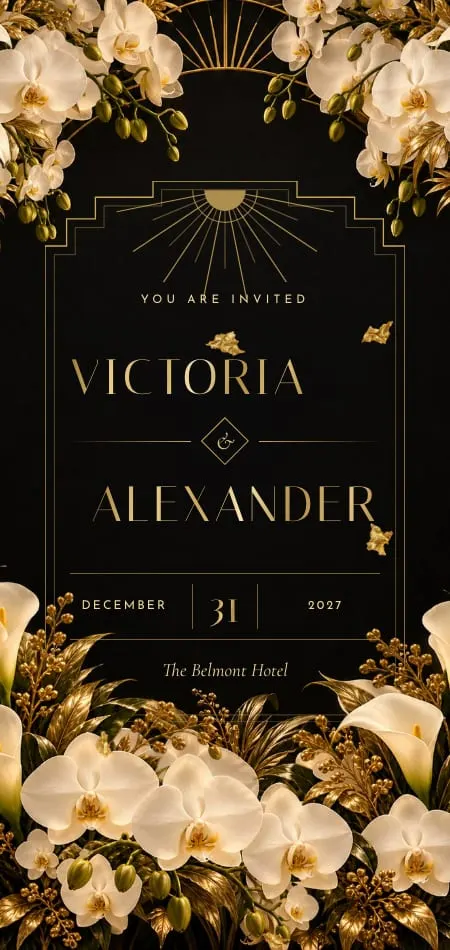
For a black-tie or religious wedding, keep photos off the first screen and place one portrait inside. Guests should meet the invitation as an invitation first: the host line, your names, the date. Soirée, our black-tie design, works this way: the black pochette opens on your names in gold, and your portrait follows below the cover, framed like the crown of a Deco tower, your names on a small brass plate. Our guide to black and gold wedding invitations covers the rest of a black-tie suite.
Some couples prefer no photographs at all. In much of the Gulf, many families leave the bride's photograph off entirely; our guide to Arabic wedding invitations explains the custom.
No photos is a complete answer. In our designs the couple's photographs are optional: a design shows none of its photo pieces without them, so nothing looks empty. The middle ground is photos without faces: your hands with the ring, the two of you walking away down a path, your silhouettes against the venue at sunset.
Which photos work on a wedding invitation?
The best invitation photos look like the wedding you are throwing. A polished portrait suits a ballroom; a laughing candid in a lemon grove suits a long lunch in the sun. Most couples mix a few kinds:
| Photo | Best as | Why it works | Watch out for |
|---|---|---|---|
| Engagement shoot, posed | The portrait | Good light, both faces | Stiffness: ask for one where you laugh |
| Engagement shoot, candid | The gallery | Movement and warmth | Blur and closed eyes |
| At your venue | Portrait or gallery | Guests see where they are going | Flat midday light |
| Where you met or got engaged | The gallery, near your story | It explains itself | Old, low-resolution files |
| Childhood photos | The gallery, side by side | Family loves them | Phone snaps of prints: scan them |
| Travel and everyday life | The gallery | Your life together | Too many: pick the two best |
| With family or a pet | The gallery | Warmth for older guests | Group shots read tiny on a phone |
Childhood photos earn their place when they tell a story: two six-year-olds side by side, then the two of you today. Our guide on how to write your love story shows how to make the words and the photos say the same thing.
How many photos should a wedding invitation have?
Use one portrait and a small gallery of 6 to 12: enough to tell a story, few enough that every one is good. On a paper photo card, one is the rule and three, in a strip, is the most.
On a digital invitation the limit is attention, not paper. Most of our designs show up to 13 photographs: the first as the portrait, up to twelve more in the gallery. In the romance designs, each gallery photo opens full size at a touch and guests swipe through them. Your private portal accepts up to 40 photos (JPG, PNG, HEIC or PDF, up to 20 MB each), so send a generous choice and let your designer pick: a designer who sees 30 photos chooses better than one who sees six.
Order them like a story, from how you met to the engagement shoot, and end on the strongest.
What makes a photo work on an invitation
An invitation is read on a phone, at arm's length, often in a hurry. Every photo has to work at that size.
| Check | Aim for | Why |
|---|---|---|
| Orientation | Vertical (portrait) for the first photo | Phone screens are tall, and so are most portrait frames |
| Room around you | Air above your heads and at the sides | Frames crop to their shape: an arch, a deckled print, a Deco tower |
| Space for names | A calm area of sky, wall or lawn, on paper | Printed names need somewhere quiet to sit |
| Light | Golden hour, open shade, a window | Flash and noon sun flatten faces |
| Faces | Faces filling about a third of the frame | A couple small in a vast landscape becomes a dot |
| Files | The original from your photographer or phone | Messaging apps compress photos; screenshots are screen-sized |
| Colour | A palette close to the design's | Neon and heavy filters fight soft colours |
In our romance designs your names sit beneath the portrait, not over it, so the "space for names" rule matters most on paper. HEIC files straight from an iPhone are fine. If you are still choosing a palette, our guide to wedding invitation colors helps the photos and the design agree.
The engagement-shoot brief for your photographer
Tell your photographer the photos are for an invitation, and ask for these shots. Most shoots produce horizontal frames for an album; an invitation needs a few particular ones:
- A vertical portrait of you both, faces visible, with room above your heads.
- The same, a step back, with more of the setting around you.
- A laughing candid: the photo guests will remember.
- A wide frame with you small in it, for the gallery.
- A close-up of your hands and the ring.
- The two of you walking away, for anyone who prefers no faces.
- One at your venue, if you can, at the hour of the ceremony.
- A black-and-white version of your favourite.
Copy this and send it:
Brief for our engagement shoot
The photos are for our wedding invitation, which our guests will open on their phones.
Please include: two vertical portraits with room above us; one laughing candid; one wide frame with us small in the scene; hands and ring; one of us walking away; a few at [venue] around [time].
Light: natural, golden hour if possible; no heavy filters.
Files: full-resolution JPGs, with permission to use them on our invitation and Save the Date. Tell us how you would like to be credited.
That last line matters: most photographers keep the copyright in their pictures and license them to you, so check that your agreement covers an invitation.
If you choose the design first, shoot in its light. Our demo couples' photos are matched this way: Roseraie's come from a rose garden with an arch and a stone fountain, Billet Doux's from the Mediterranean coast at golden hour, Soirée's from a grand hotel at night.
How Veiloria's designs show your photos
Each design frames your photographs in its own world, so the same photo reads differently in each. The seven romance designs, then six from the rest of the collection:
| Design | How your photos appear |
|---|---|
| Roseraie | A specimen mount in a garden book; the rest on an album page under strips of linen, petals between them |
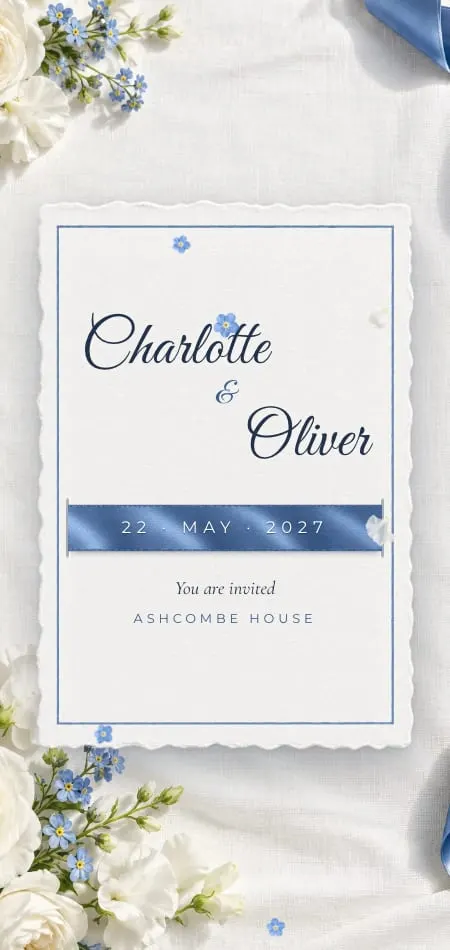
| Ruban | A deckled print held by straps of blue satin; the rest on a French memo board laced with blue ribbon |
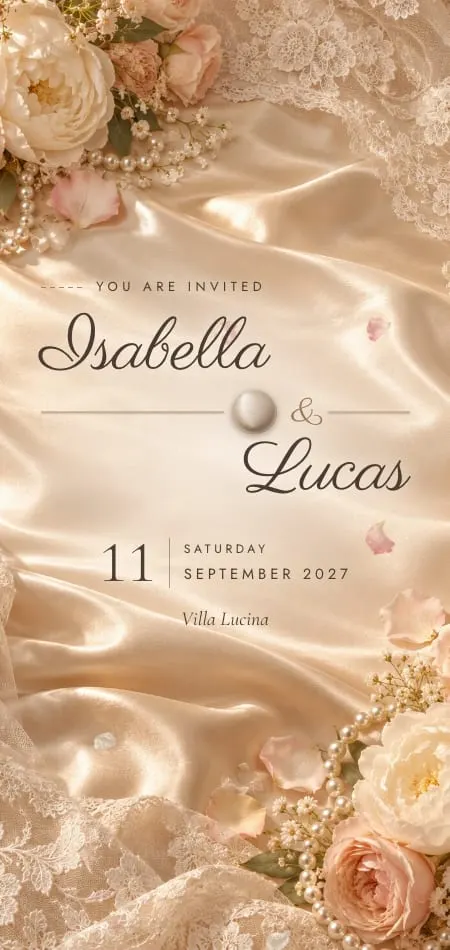
| Dentelle | A print pinned up with pearl-headed pins; the rest as swatch cards cut with pinking shears |
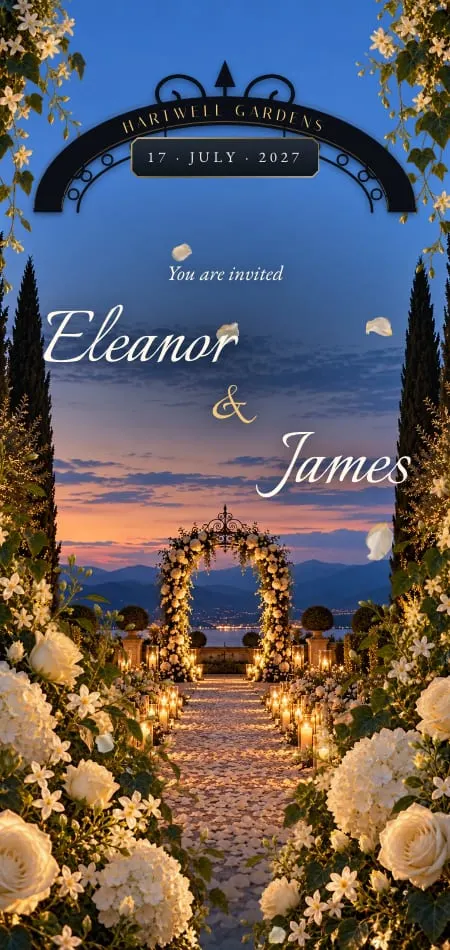
| Portail | A print floating in a villa courtyard at night; the rest along a wisteria tunnel |
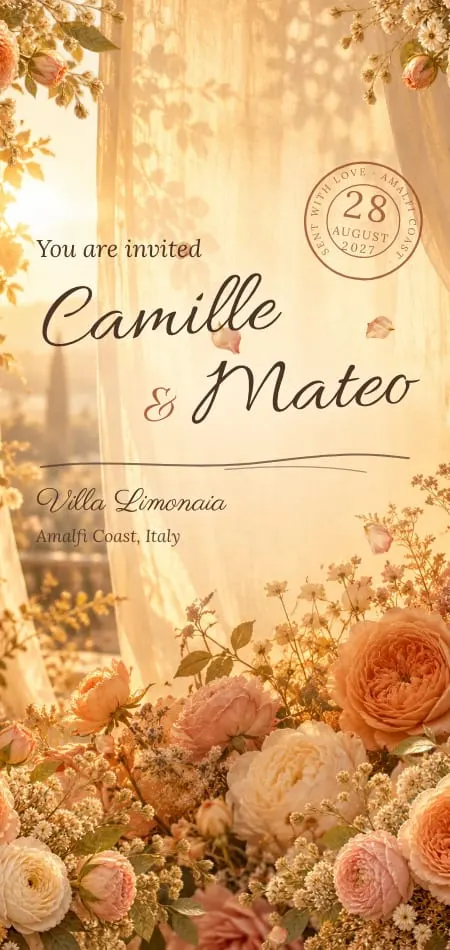
| Billet Doux | A deckle-edged print clipped to the letter; the rest tipped out of the envelope onto the table |
| Soirée | A stepped Deco frame of gold foil; the rest in a grand hotel's gallery |
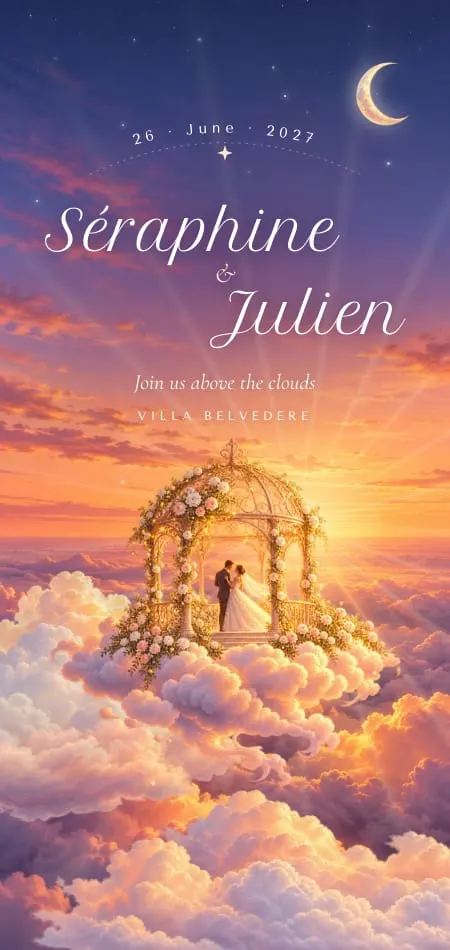
| Ciel | Clean prints with a rose-gold hairline floating on the sky, one large, then overlapping pairs |
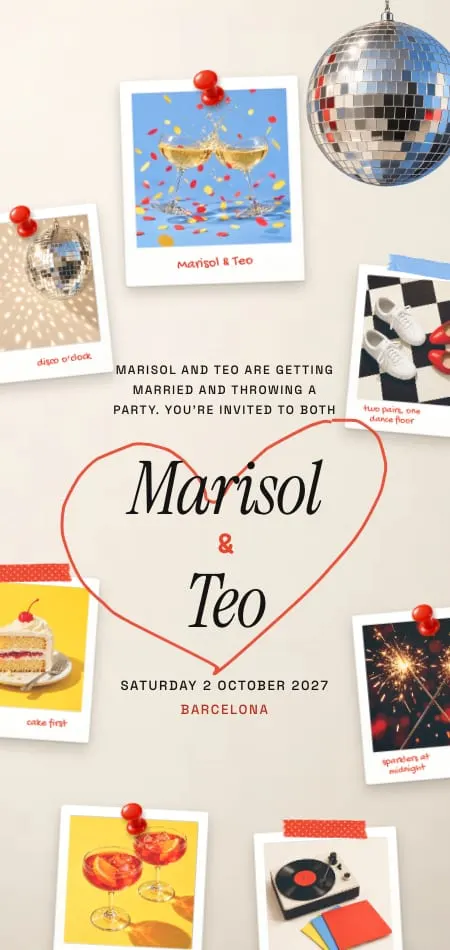
| Instantané | Your first photo is an instant print that develops when guests shake their phone |
| Bulles | Muselet plaques in a collector's tray |
| Enluminure | Miniatures in an illuminated manuscript |
| Cyanotype | True cyanotypes, pegged up to dry |
| Golestan | An album of your photographs on a folio of a Persian manuscript |
| Carré | Gilt frames hung on ribbon bows |
Ciel keeps each photograph close to its own shape, between 2:3 and 3:2. For the romance collection side by side, see romantic wedding invitations; for our proudest openings, the most beautiful wedding invitations.
Photos on the Save the Date
On a paper Save the Date the photo is the star; on a digital one, the opening is. Ours play the same opening as the invitation, then end on one keepsake piece with your names, the date, the place, "formal invitation to follow" and an add-to-calendar button. Your photographs wait for the invitation, which keeps something new for the second send.
If an engagement photo is the heart of your Save the Date, a printed photo card does it beautifully, and many couples send both. Our guide to the digital Save the Date covers what it must say and when it goes out.
The same mix works for the invitation. A wedding invitation with photo and QR code is a printed card with your favourite photo on the front and, on the back, a QR code that opens the full invitation and its reply. Every Veiloria plan includes a QR code to print; set it dark on light, never over the photograph, as our wedding invitation QR code guide explains.
Captions and wording around your photos
A caption should add what the photo cannot say: a place, a year, a small fact. Keep it under ten words, in the invitation's voice. To copy, for a photo card, a printed insert or the back of a print:
- Where it began · Lisbon, 2019
- The question, and the answer · Lake Como, May 2025
- Before we knew · aged six and seven
- Photographs by [your photographer's name]
- Scan to open our invitation, with our story and photos
In our romance designs the photographs speak without captions. The portrait carries your names (Billet Doux adds the place and year in a handwritten line), the gallery is titled "Moments", and the words about the photos live in your story, just before it. For the rest of the text, see our wedding invitation wording guide.
Who sees your photos?
Your invitation is a private link, not a public page. Couples' invitations are kept out of search engines, and the preview a messaging app draws for the link shows your names and a line of text, not your photographs. Nothing is shared until you approve the proof.
Be realistic, though: anyone with the link can open it, and guests can forward it, so choose photos you would be happy for a friend of a friend to see. Your photos stay yours, and the invitation stays online for at least 12 months after the wedding. A wedding website is often more public; see wedding website vs invitation, and our guide to digital wedding invitations for the format itself.
Sources
- Zola, "What Should Be Included On Save the Date Cards?", by Emily Forrest, updated 1 July 2025, checked 28 October 2026: engagement photos on the Save the Date, and "formal invitation to follow".
- How our designs show photographs, the portal's photo limits and how invitations are kept private: Veiloria's own designs and portal, checked 28 October 2026.
Frequently asked questions
Do you put a picture on a wedding invitation?
You can, but on paper the photo traditionally goes on the Save the Date and the formal invitation stays text-only. On a digital invitation, put the photos inside, a portrait after the cover and a small gallery, so the first screen stays formal. For a casual wedding, a photo card is perfectly fine.
Is it tacky to put engagement photos on a wedding invitation?
No, not when the photo is good and suits the wedding's formality. A laughing engagement photo fits a garden party; for black tie, keep it off the cover and place one portrait inside. Twenty blurry phone shots would be tacky.
How many photos should a wedding invitation have?
One portrait and a small gallery of 6 to 12 photos is enough. A paper photo card holds one, or three in a strip. Most Veiloria designs show up to 13, and the portal accepts up to 40, so your designer can choose the best.
What kind of photo is best for a wedding invitation?
A vertical photo in natural light, with both faces visible and room around you, works best. Send the original file, not a screenshot or a photo forwarded through a messaging app, which compresses it. If names will be printed over it, choose one with a calm area of sky or wall.
Can a digital wedding invitation have photos and a QR code?
Yes. The digital invitation holds the photos inside, and a printed card can carry a photo on the front and a QR code on the back that opens it. Print the code dark on light and never over the photograph, or it may not scan.