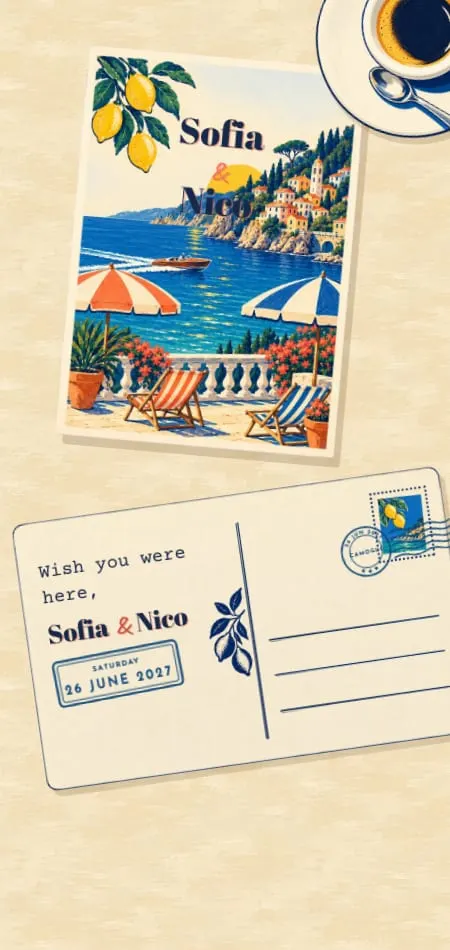
Save the Dates11 min read
Digital Save the Dates: The Complete Guide for 2026
What a digital save the date says, when it goes out, what it costs from free to designed, how to gather numbers first, and 12 ideas that open like the invitation that follows.
By The Veiloria AtelierPublished Updated
Contents
- What is a digital save the date?
- Is it okay to send a digital save the date?
- What to include, and what to keep for the invitation
- When to send it
- Paper or digital save the dates?
- What a digital save the date costs
- Collecting phone numbers and addresses before you send
- Matching it to your invitation
- 12 digital save the date ideas from our collection
- How to send it, and the message that goes with it
- Sources
- Frequently asked questions
A digital save the date is a short announcement your guests open from a link: your names, the date, the place and "formal invitation to follow". Send it 6–12 months before the wedding (9–12 months if guests will travel), ask for no reply, and let the invitation follow 8–12 weeks before the day.
Below: what to write, when to send it, what it costs, how to gather contacts first, 12 ideas and the messages to send it with.
What is a digital save the date?
A digital save the date is a wedding announcement sent as a link instead of a card in the mail, months before the invitation, so guests can keep the date free. It's also called an online save the date or an e-save the date.
It comes in three forms, and they are not equal:
| Format | What guests receive | Strength | Limit |
|---|---|---|---|
| An image (JPG or PNG) | A picture in the chat | Free and quick to make | No calendar link; easy to lose in a busy thread |
| A video or animated file | An MP4 or GIF | Movement and music | Heavy files; chat apps may compress them |
| An interactive page | A link that opens in the browser | An opening, an add-to-calendar button, nothing to download | Needs a service to host it |
It is the first piece of your wedding stationery; the invitation, with the program and the RSVP, follows. For the order of every send, see our wedding invitation timeline.
Is it okay to send a digital save the date?
Yes. A digital save the date is fully acceptable, because it is an informal heads-up, not the invitation itself. The etiquette that matters is the same on paper or on a phone: send it only to people who will receive an invitation.
US search interest in "digital save the date" over the last 52 weeks ran about 1.5 times the year before, peaking in January and February (Google Trends, US, relative index, checked October 2026).
Two cases still call for care:
- Guests who don't read links. Call your grandmother, then send the link to the cousin who helps her, or print her a card. Nobody minds a mix.
- Formal families. A link reads as casual only when it looks casual. A designed opening, with your names set as they will be on the invitation, reads as deliberate.
For the wider question, see our guide to digital wedding invitations.
What to include, and what to keep for the invitation
A digital save the date needs six things: your names, the date, the place, "formal invitation to follow", a way to save the date, and who it's for. Everything else waits.
The six things it needs
- Your names, written the way you want them on everything that follows.
- The date, written out: Saturday, September 11, 2027.
- The place: the city and country, or the venue once it's booked. "Lake Garda, Italy" is enough.
- "Formal invitation to follow", so guests know the details are coming; they can still book travel on the date alone.
- An add-to-calendar link, the one thing a link does better than paper.
- Who it's for, in the message that carries it: "Sofia and Marco", or "Sofia and family". This settles plus-ones months before anyone asks.
Optional: a photo, your wedding website, and a line on travel for a destination wedding ("Hotels are filling up: details soon").
What not to say yet
- No RSVP request. Replies belong to the invitation, once the details are fixed.
- No timings. Ceremony and dinner times can still change.
- No gift or registry details. They belong on the invitation or the wedding website.
- Nothing unconfirmed. If the venue isn't signed, name the city.
- Dress code only if it needs planning: black tie abroad, or a multi-day celebration with outfits to buy.
Ready-made lines for every tone are in our save the date wording examples.
When to send it
Send a digital save the date 6–12 months before the wedding; for a destination wedding or a peak-season date, aim for 9–12 months. The invitation follows 8–12 weeks before the day, or 3–4 months for a destination wedding.
A worked example for a wedding on Saturday, September 11, 2027:
| Send | Local wedding | Destination wedding |
|---|---|---|
| Save the date | Sep 11, 2026 – Mar 11, 2027 | Sep 11 – Dec 11, 2026 |
| Invitation | Jun 19 – Jul 17, 2027 | May 11 – Jun 11, 2027 |
| Reply-by date | About Aug 14, 2027 | About Jul 31, 2027 (six weeks before) |
Local weddings
Six to eight months is comfortable when most guests drive in. Never send it before the date and place are certain.
Destination weddings
Nine to twelve months gives guests time for flights, leave from work, passports and visas. Plan your destination wedding invitations alongside, so travel details are ready when they land.
Peak-season dates
Popular Saturdays and holiday weekends fill guests' calendars and nearby hotels early, so send close to 12 months ahead. For month-by-month timing, see when to send save the dates.
Paper or digital save the dates?
Digital save the dates are faster, cheaper per guest and easier to correct; paper is a keepsake on the fridge. Mixing works: digital for most, a few printed cards.
| Paper save the date | Digital save the date | |
|---|---|---|
| Postage per envelope (US) | $0.82 for a standard letter, $0.65 for a postcard, $1.31 for a square envelope, from $1.75 abroad (USPS, checked Oct 19, 2026) | $0 |
| Arrives | Days by mail, longer abroad | The moment you send it |
| Addresses needed | Full mailing addresses | Phone numbers or emails |
| A mistake after sending | Reprint and repost | Often fixed on the same link |
| Add to calendar | No | Yes, on interactive pages |
| Movement and sound | No | Yes, on animated designs |
| Keepsake | A card to keep | A link and a screenshot |
Printing costs vary too much by printer to quote fairly. Postage alone for 100 standard envelopes is $82, or $131 for square ones, before a single card is printed.
What a digital save the date costs
A digital save the date costs from $0 on free tools to around $100–$250 on per-guest platforms for 100–250 guests; a designed one is a flat price whatever the guest count. Prices as listed on October 19, 2026.
Free tools
Zola says of its digital save the dates: "They're free." Joy lists digital save the dates among its free tools. On both, you pick a ready-made design and add your own details.
Per-guest platforms
Greenvelope prices each mailing by list size: $19 for up to 20 guests, $99 for up to 100, $249 for up to 250. Its own page notes that the save the date and the invitation are two separate mailings, so 100 guests cost $198 for both; its $225 annual membership covers mailings of up to 150.
A designed save the date
At Veiloria, the Save the Date is $79 on its own or added to Essential, and included with Premium and Bespoke (or the equivalent in your currency; see pricing). That's one price for unlimited guests and one link for all of them.
| 100 guests | Price | Guest count changes the price? |
|---|---|---|
| Zola digital save the date | $0 | No |
| Greenvelope single mailing | $99 | Yes |
| Veiloria Save the Date | $79, or included | No |
For the full suite, see our breakdown of what a digital wedding invitation costs.
Collecting phone numbers and addresses before you send
Gather every household's phone number and email before the save the date goes out: you need them to send it, and not every save the date collects them. Some digital save the dates do collect addresses: Greenvelope gathers them through the save the date itself, and Joy has a Contact Collector link guests fill in (both checked October 19, 2026).
A Veiloria Save the Date doesn't collect addresses or replies: it ends on your names, the date, the place and Add to calendar. So gather contacts first:
- Start one spreadsheet with a column each for name, household, phone, email and language.
- Ask each family's organizer, not every cousin.
- Send one short message (below), or a shared form.
- Fill the gaps by phone two weeks later.
Hi Aunt Clara! We're getting married next September 🤍 Could you send me the best number and email for you and Uncle Paul? Something pretty is on its way.
Keep the list: it becomes your invitation guest list.
Matching it to your invitation
A save the date that matches the invitation makes the two read as one suite: the first glimpse, then the whole story.
Each of our 43 designs has its own digital save the date. It plays the same opening as the invitation, then ends on one keepsake piece with your names, the date and the place. On its own, it comes in 2 languages with 2 rounds of revisions, and you can order the Save the Date first and choose the invitation's plan later. When you're ready, it upgrades to the full invitation at the same address, and on Premium or Bespoke the $79 already paid is credited.
What goes on each piece: save the date vs wedding invitation.
12 digital save the date ideas from our collection
The best digital save the date ideas give guests one small gesture and one keepsake to land on. Each is a real Save the Date from our collection.
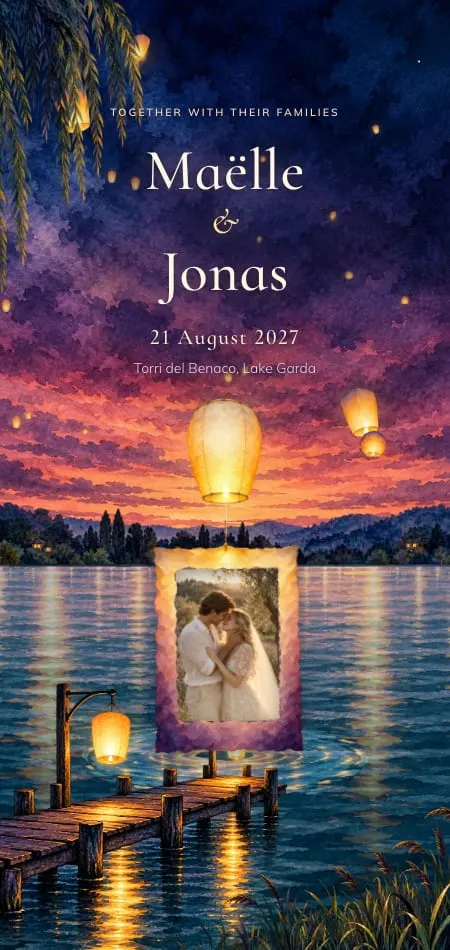
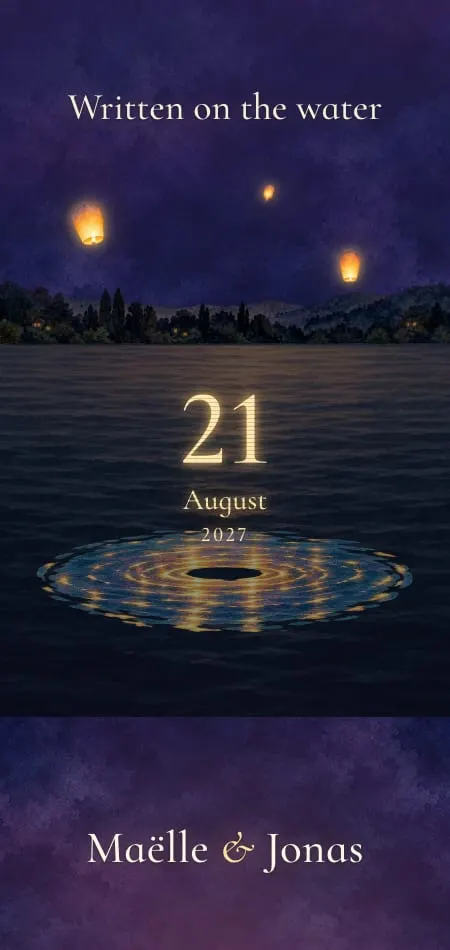
- Lanternes: two paper lanterns tied by one thread rise over a lake at dusk. For lakeside and evening weddings.
- Cyanotype: guests expose a sun print of a fern, washed into Prussian blue. For coastal and artistic couples.
- Bulles: a cork pops and a bottle-neck tag swings in on its gold cord. For a celebration that starts with Champagne.
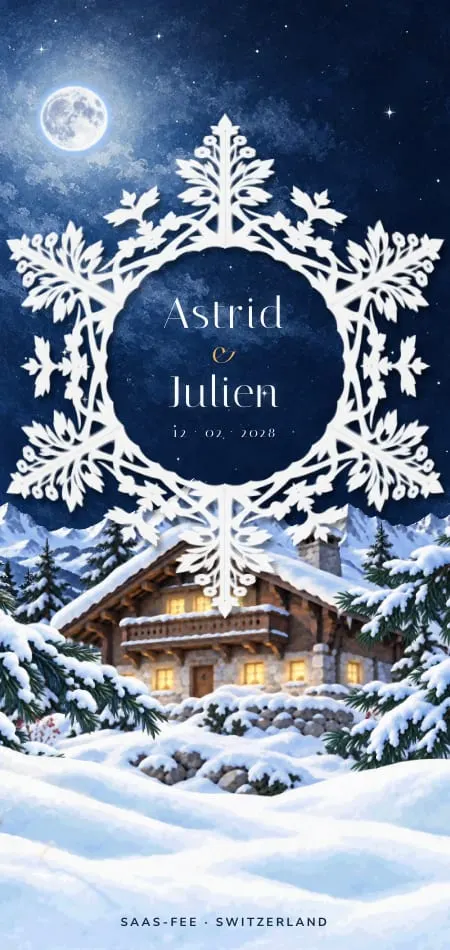
- Givre: guests trace the lines of a cut-paper snowflake; your names sit in its heart. For winter and the mountains.


- Velours: the opera curtain rises on a gilt-framed playbill announcing you. For black tie and evening. Watch it open.
- Céleste: guests turn an astrolabe, your constellation appears over the hills and an engraved brass plaque rises beneath it. For night skies.
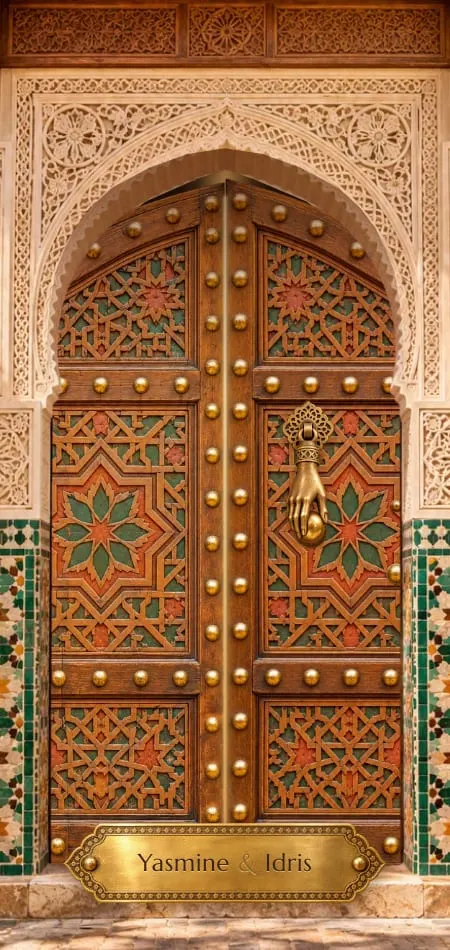
- Zellige: two knocks, and a riad door opens a crack on a beam of light and one rose petal. For Morocco.
- Minuit: a gilded elevator opens onto an Art Deco card floating in the night sky. For city rooftops and New Year's Eve.
- Selva: a blue morpho lifts off and a mist-paper card rises by a waterfall. For Costa Rica and the tropics.



- Vendange: guests slide open a crate; the magnum's label gives your date as the vintage. For vineyards.
- Instantané: guests shake an instant camera until the print develops on a wooden hand with a string tied around one finger. For playful couples.
- Calligraphe: a pen writes your names live on a gold-edged card. For couples who love a handwritten note.
How to send it, and the message that goes with it
Send the link one guest or household at a time, by WhatsApp, text or email, with a short message that names who is invited. Group chats expose everyone's number and bury the link.
- Open the link on your own phone first.
- Send one message per household, in each guest's language.
- Pick a calm hour: a weekday evening, not 7 a.m.
- Mark each send in your spreadsheet.
- A few days later, call the guests least at ease with links to check it arrived.
Copy and adapt:
WhatsApp: Sofia, Marco: save the date! Maëlle and Jonas are getting married on Saturday, September 11, 2027, at Lake Garda ✨ Open it here: [link]. The formal invitation will follow.
Email subject: Save the date: Maëlle & Jonas, September 11, 2027
Body: Dear Sofia and Marco, we'd love you with us at Lake Garda on September 11, 2027. Our save the date: [link]. The invitation follows next summer. With love, Maëlle and Jonas
Destination: We're getting married in Italy on September 11, 2027, and we'd love you there. Here's the date to save: [link]. Travel and hotel tips will follow soon.
For an older relative (after a call): Grandma, here is the link we talked about. Tap it once and it opens, nothing to download: [link]. Love, Maëlle
More scripts, including group-free sending, are in our WhatsApp wedding invitation messages.
Sources
- Google Trends, "digital save the date", United States, last 5 years (checked October 2026).
- USPS, Postage Rates & Prices (checked October 19, 2026).
- Zola, digital save the dates (checked October 19, 2026).
- Joy, save the date cards and FAQ (checked October 19, 2026).
- Greenvelope, How much does Greenvelope cost and llms.txt (checked October 19, 2026).
Frequently asked questions
Is it okay to do a digital save the date?
Yes. A save the date is an informal heads-up, not the invitation, so digital is fully acceptable. Call or print a card for the few guests who don't use links.
What should a digital save the date include?
Your names, the date, the place (city or venue), "formal invitation to follow" and an add-to-calendar link. Name who is invited in the message that carries it. Leave timings, the RSVP and gifts for the invitation.
How far in advance do you send a digital save the date?
Send it 6–12 months before the wedding. For a destination wedding or a peak-season date, send it 9–12 months ahead. The invitation follows 8–12 weeks before the day.
How much does it cost to send a digital save the date?
From $0 upward. Zola's digital save the dates are free, Greenvelope charges by list size ($99 for up to 100 guests, $249 for up to 250, as listed on October 19, 2026), and a designed Veiloria Save the Date is $79 for unlimited guests, or included with Premium and Bespoke.
Can you use save the dates as wedding invitations?
No. A save the date only announces the date; the invitation carries the times, the details and the RSVP. If time is short, skip the save the date and send the invitation early instead.
Do guests need to reply to a save the date?
No. A save the date asks for no reply, and the RSVP comes with the invitation. A quick "Saved!" is kind but optional.
What are the best websites for digital save the dates?
It depends on what you need. Zola and Joy are free, Joy and Greenvelope can collect guest contacts, and Veiloria (we make it, so weigh our bias) designs an animated save the date that matches your invitation.